ball
On this page
- What is an AAC device?
- Low-tech, mid-tech and high-tech AAC devices compared
- Who an AAC device for autism is for
- Will AAC stop my child from talking? Myths and evidence
- How to start AAC with your child
- PECS vs AAC: what is PECS communication?
- How much does an AAC device cost?
- AAC vs visual supports: related, but different
- Setting AAC goals with your child’s team
What is an AAC device?
An AAC device is any tool that supplements or replaces speech, from a laminated picture board to a tablet that speaks the words a child taps. AAC (augmentative and alternative communication) also includes ways to communicate with no tool at all, like signs and gestures.
Augmentative means adding to speech a child already has. Alternative means replacing speech that isn’t there or isn’t reliable. Most children use AAC both ways: words they can say, plus a board or app for everything else.
For an autistic child, AAC is a voice they can count on. Many autistic children understand far more than they can say, and some speak well on a calm day but lose words when tired, anxious or overwhelmed. AAC gives them a way to say what they mean, which often means less frustration and fewer behaviors that were really messages all along.
The term “AAC device” usually means an aided tool, something outside the body. In everyday use, people say AAC device most often for a speech-generating device (SGD): a tablet or dedicated device that speaks out loud when the child selects pictures, words or letters.
AAC device meaning, with examples: unaided and aided AAC
Unaided AAC uses only the body, such as signs, gestures and facial expressions. Aided AAC uses something outside the body: picture boards, PECS books, talking buttons and speech-generating apps or devices.
Speech-language pathologists (SLPs) sort AAC into two families, and most children use a mix.
- Unaided AAC
- Signs (ASL or simplified key-word signs), natural gestures, pointing, leading an adult by the hand, facial expressions, body language.
- Aided, low-tech
- Picture cards, a core word board, a PECS book, a first-then card, choice boards, an alphabet board. No batteries.
- Aided, mid-tech
- Battery-powered single-message buttons and simple devices with a few recorded messages on a grid.
- Aided, high-tech
- Speech-generating devices and AAC apps such as Proloquo2Go, TD Snap and LAMP Words for Life, with thousands of words and a synthetic voice.


Low-tech, mid-tech and high-tech AAC devices compared
Low-tech AAC is paper and pictures, mid-tech AAC is a simple button or device that plays recorded messages, and high-tech AAC is a tablet or dedicated device with an app that builds and speaks sentences. Each step up adds vocabulary and voice, and also cost, setup and charging.
Higher tech is not automatically better. The right system is the one the child can use quickly, that has enough words for what they want to say, and that is with them all day. Many families keep a laminated low-tech board as a backup for the bath, the pool and the day the battery dies.

Low-tech AAC devices
A low-tech AAC device is anything without electronics: a page of core words, a ring of picture cards on a lanyard, a choice board with two snacks, a PECS book. They cost little to nothing, never crash, and a teacher or grandparent can use them in seconds. The trade-off: no voice of their own, and only the words that fit on the page.
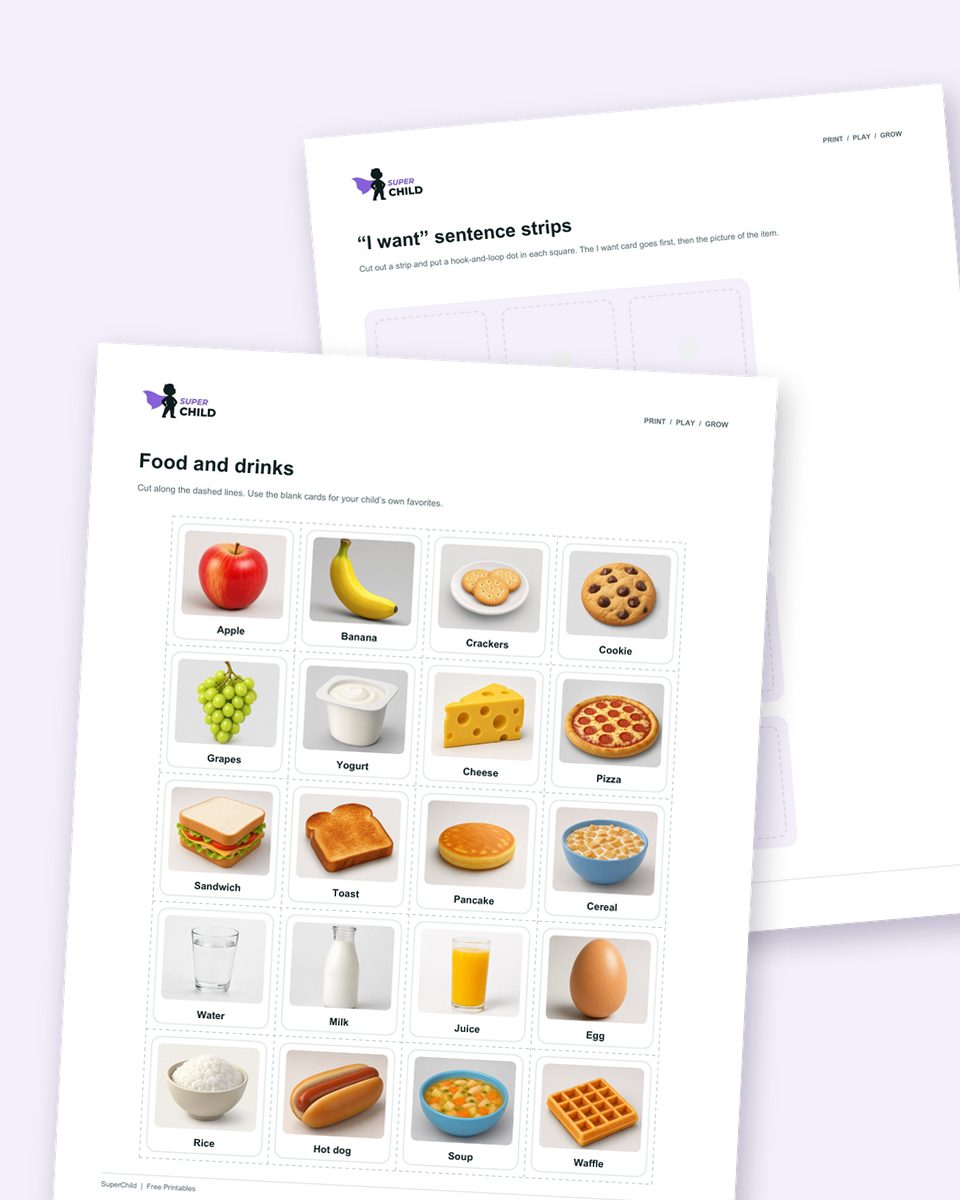
You can make one today. The core word board maker prints a board of 12 to 48 core words in Fitzgerald Key colors, the picture card maker prints PECS-style cards with cut lines, and the free PECS book printable has picture cards and “I want” strips.
High-tech AAC devices: speech-generating devices
A high tech AAC device speaks out loud. The child taps a picture or word, or a sequence of them, and the device says it in a synthetic voice. Vocabulary can grow to thousands of words, with spelling later on. Children access it by touch, a keyguard, switches or eye gaze.
There are two kinds: AAC apps on a consumer tablet, and dedicated speech-generating devices built for the job, which are tougher, louder and locked to communication. Language systems such as Proloquo2Go, TD Snap, LAMP Words for Life and TouchChat organize words differently, one reason an SLP evaluation with hands-on trials matters.
Can an iPad be an AAC device?
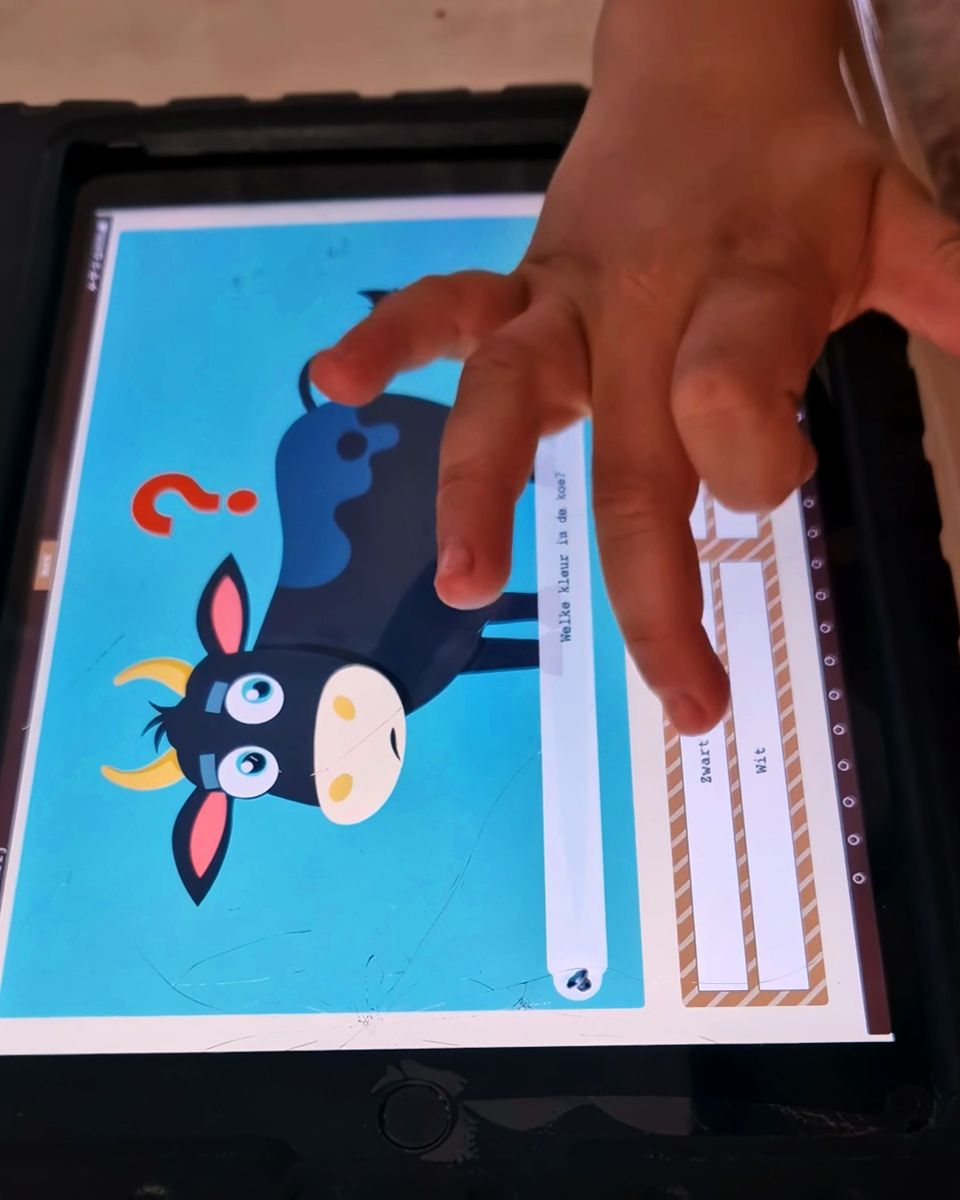
Yes. An iPad or Android tablet with a robust AAC app is a speech-generating device. It’s cheaper and familiar, but YouTube is one swipe away. If you go this route, use Guided Access (iPad) or screen pinning (Android) to lock the app, get a sturdy case with a handle and a speaker boost, and treat it as the child’s voice, not as a toy or a reward that gets taken away.
Who an AAC device for autism is for
AAC can help any autistic child whose speech does not yet meet all their communication needs, including children who don’t speak, children with a few words, and children who talk but lose speech under stress or can’t yet form new sentences.
You don’t need a diagnosis to start, and you don’t need to wait for one. An autistic AAC device user might be a two-year-old with no words, a five-year-old who speaks mostly in echoed phrases, or a nine-year-old who talks at home but freezes at school.
If your child is under three and not talking yet, AAC can start alongside an early intervention evaluation. If you’re still working out whether it’s a delay or something more, the speech delay guide walks through milestones and red flags.
- Your child doesn’t speak, or uses only a handful of words.
- Strangers can understand very little of what your child says.
- Your child uses scripts and repeated phrases but rarely makes a new request.
- Speech disappears when your child is upset, sick, tired or overwhelmed.
- Behaviors like screaming, grabbing or hitting seem to be doing the job words would do.
Will AAC stop my child from talking? Myths and evidence
No. Research reviews have found no evidence that AAC stops speech from developing, and some children start saying more words once they use it. AAC has no prerequisites and is not a last resort.
This is the most common worry, and waiting costs children months of communication.
- Myth: AAC stops speech
- Reviews of the research (Millar, Light and Schlosser, 2006; Schlosser and Wendt, 2008) found no cases where AAC reduced speech, and many children gained speech. Hearing the device say the word each time may help, and less pressure often makes talking easier.
- Myth: they need to be ready
- There are no prerequisites: not a minimum age, not matching pictures, not sitting still, not cause and effect. ASHA and AAC researchers recommend “presuming competence”: assume the child can learn to communicate and give them the tools to show it.
- Myth: it’s a last resort
- AAC works best early, alongside speech therapy, not after everything else has failed. It isn’t giving up on talking. It’s giving the child a way to communicate while speech develops.
- Myth: start with a few pictures
- Tiny vocabularies limit children to requesting. Even beginners do better with access to core words like “stop”, “more”, “go” and “not” so they can direct, refuse and comment, not only ask for snacks.
How to start AAC with your child
Start by modeling: point to words on your child’s board or device while you talk, in moments they care about, without asking them to copy you. Keep the system within reach all day, respond to every attempt, and track what they say over time.
You don’t need a device to begin: a printed core board on the fridge is enough to start modeling this week.
- 1Pick a starter set of core wordsStart with 12 to 20 core words that work everywhere (want, more, stop, go, help, all done, not, like, look, mine) plus a few favorite things. Keep each word in the same spot.
- 2Model without expecting a responseThis is aided language input: as you say “more bubbles”, tap MORE and point to bubbles. Model one step above your child’s level, and don’t take their hand to press the button.
- 3Use motivating momentsCommunication sticks when it matters. Snack time, bubbles, tickles, swings, a favorite show: pause and model GO, MORE, STOP, ALL DONE.
- 4Keep it with your child, alwaysA voice in a drawer is no voice. It goes to the car, the park and the bath (a laminated copy), and it is never taken away as a punishment.
- 5Honor every attemptIf your child taps STOP, stop, even if it was a test. Respond to every request, even when the answer is no. Pressing lots of buttons is exploring, like babbling.
- 6Track it with simple dataJot down new words, who your child used them with, and whether they were prompted. A frequency data sheet works well. Share it with the SLP and BCBA so everyone builds on the same words.
Core vs fringe vocabulary
Core words are the small set of words that make up most of what we say every day: want, more, go, stop, help, like, not, you, it, look, in, on, all done. They work in every situation. Fringe words are the nouns that change by place and person: juice, Grandma, trampoline, dinosaur. A few hundred core words make up most of what people say, so a core board lets a child say far more than one full of snacks.
Core words are hard to picture, so AAC systems keep them in the same place with icons and printed text. Your child learns the location, not just the picture.


Aided language input: why modeling matters
Children learn to talk by hearing thousands of hours of speech before they are expected to say a word. A child learning AAC needs the same: to see people use their system, for real reasons, many times a day. That is aided language input (or aided language modeling), and studies show it helps children understand and use more AAC words.
Aim for short modeling moments in each routine: narrate (“GO car, GO”), comment (“I LIKE this”), and accept that for weeks your child may only watch. That’s learning.
PECS vs AAC: what is PECS communication?
PECS (Picture Exchange Communication System) is a specific, six-phase teaching protocol in which a child hands a picture to a partner to communicate. It is a form of low-tech aided AAC, so the real comparison is PECS versus other AAC systems, such as a core board or a speech-generating device.
PECS was developed in 1985 by Andy Bondy and Lori Frost at the Delaware Autistic Program and is taught through Pyramid Educational Consultants. It draws on applied behavior analysis: a child hands over a picture of something they want and gets it straight away. The exchange is the point, because it teaches that communication is aimed at a person.
Other AAC systems, low-tech core boards and high-tech devices, are usually taught by pointing or tapping, with lots of modeling, and offer a large vocabulary from day one. Many children start with PECS and later move to a speech-generating device, often once they can choose between many pictures and build short sentences, or once the book gets too big to carry.
PECS for autism: the six phases
Phase I teaches the exchange with two adults: one tempts the child with something they love, the other quietly prompts from behind. Later phases add distance, choosing between pictures, “I want” sentences, answering “What do you want?” and commenting, each with mastery criteria.
Formal PECS training is worth it if your child’s team uses the protocol, because the prompting in Phase I is specific. If you want to start at home, our printable PECS book includes 48 picture cards, “I want” strips and a request log.
- Free printablePECS book printableA free picture exchange starter book: 48 cards, “I want” sentence strips, a cover and a request log.
- Free toolPicture card makerMake PECS-style cards of your child’s own favorites, with cut lines and “I want” strips.
- GuideMand training in ABAHow ABA teaches requesting (manding), the skill PECS starts with.
How much does an AAC device cost?
Low-tech AAC costs from nearly nothing to about $50, talking buttons about $20–$200, AAC apps roughly $100–$300 plus a tablet, and dedicated speech-generating devices often $2,000–$8,000 or more. In the US, insurance or Medicaid often pays for a dedicated device after an SLP evaluation.
Treat these as rough ranges. Budget too for a case, a keyguard and setup time.
Typical costs of AAC devices in the US (approximate, 2026)
Low-tech boards, PECS book, picture cards
- Typical cost
- Free to about $50 (printing, laminating, Velcro)
- Who usually pays
- Family or school; free printables cover the basics
Single and multi-message buttons
- Typical cost
- About $20–$200+
- Who usually pays
- Family, school or early intervention
AAC app on a tablet
- Typical cost
- App roughly $100–$300, plus the tablet and a case
- Who usually pays
- Family, school; some insurers and Medicaid programs
Dedicated speech-generating device
- Typical cost
- Often $2,000–$8,000+
- Who usually pays
- Insurance, Medicaid, Medicare or school, after an SLP evaluation
| Type | Typical cost | Who usually pays |
|---|---|---|
| Low-tech boards, PECS book, picture cards | Free to about $50 (printing, laminating, Velcro) | Family or school; free printables cover the basics |
| Single and multi-message buttons | About $20–$200+ | Family, school or early intervention |
| AAC app on a tablet | App roughly $100–$300, plus the tablet and a case | Family, school; some insurers and Medicaid programs |
| Dedicated speech-generating device | Often $2,000–$8,000+ | Insurance, Medicaid, Medicare or school, after an SLP evaluation |
Ranges are approximate and vary by model, vendor and region.
How to get an AAC device through insurance
In the US, speech-generating devices are usually covered as durable medical equipment (DME). Plans differ, so call yours and ask whether SGDs are covered and whether prior authorization is needed. The usual path is below; the device manufacturer usually handles the paperwork.
How to get an AAC device through Medicaid
For children under 21, Medicaid’s EPSDT benefit requires states to cover medically necessary services and equipment, which includes speech-generating devices. The steps are the same as with private insurance: an SLP AAC evaluation, a trial, a report, a prescription and prior authorization. If you’re denied, ask for the reason in writing and appeal; denials often turn on missing paperwork.
School IEPs, and funding outside the US
Under IDEA, every IEP team must consider whether a child needs assistive technology, and if it does, the school provides it at no cost, including an AAC evaluation. A school-owned device can go home when the IEP says the child needs it there. Write AAC into the IEP goals and services; the IEP goals guide shows how.
In the UK, children with complex needs can be referred to NHS England’s specialized AAC hubs, with simpler needs met by local speech and language therapy services. In Australia, the NDIS funds AAC as assistive technology, usually with an assessment and recommendation from a speech pathologist.
AAC vs visual supports: related, but different
AAC is how a child expresses themselves; visual supports like schedules, first-then boards and token boards help a child understand what is happening and what comes next. Most autistic children benefit from both.
A visual schedule shows the order of the day. A first-then board says “first shoes, then playground”. A token board shows how close a reward is. These are tools adults use to communicate to the child. AAC is the child’s tool to communicate back. Using the same pictures in both helps a child find words faster.
- Free toolVisual schedule makerBuild and print a picture schedule for a routine or a whole day.
- Free toolFirst-then board makerTwo pictures, first and then, ready to print.
- Free toolToken board makerAn “I am working for” board with 3 to 10 tokens.
- Free printableVisual schedule printablesReady-made picture schedules for mornings, bedtime and school.
- Free printableFirst-then board printableA printable first-then board with picture cards to cut out.
Setting AAC goals with your child’s team
Good AAC goals describe what the child will communicate, with whom and where, for example requesting, refusing, commenting and asking for help with their device across home and school, and are tracked with simple data.
Early goals usually focus on requesting (in ABA terms, manding), because getting what you ask for is the fastest way to learn that communication works. Strong programs move quickly on to refusing, commenting and asking questions. The VB-MAPP mand milestones give a clear developmental sequence for requesting, and the VB-MAPP goal mapper turns a milestone area into plain-language goals and activities.
Write the goal around the communication, not the device: “Sam will use his AAC system to request help in three routines” rather than “Sam will press the HELP button”. That goal still fits if Sam moves to a tablet or starts saying the word.
Free low-tech AAC set
Start low-tech AAC this week with four printables
The picture book, board and stories most families begin with before a device, each with a short adult guide and a log to show your speech therapist.
- A picture exchange starter book with cards and a sentence strip, for asking for snacks, toys and help.
- A first-then board that uses the same pictures.
- Social stories for waiting for a turn and for washing hands.
Free download
Get the 4 PDFs free
Three quick answers and the PDFs open right here.
Sources
- ASHA Practice Portal: Augmentative and Alternative Communication
- Millar, Light and Schlosser (2006). The impact of AAC intervention on the speech production of individuals with developmental disabilities. JSLHR
- Schlosser and Wendt (2008). Effects of AAC intervention on speech production in children with autism: a systematic review. AJSLP
- NIDCD: Assistive devices for people with hearing, voice, speech or language disorders
- IDEA regulations, 34 CFR 300.324: development of the IEP (consideration of assistive technology)
- Pyramid Educational Consultants: What is PECS?
Cite this page
Citation (APA style)
SuperChild. (2026). AAC devices for autism: from picture cards to talking tablets. Retrieved from https://superchild.ai/guides/aac-for-autism
Link for your website
<a href="https://superchild.ai/guides/aac-for-autism">AAC devices for autism: from picture cards to talking tablets</a> (SuperChild)