At a glance
AI tools for BCBAs and ABA clinics by job, November 2026
Session notes and documentation
- Example tools
- CentralReach (NoteDraftAI, NoteGuardAI), Rethink (Session Note AI), Motivity (AI session notes), Raven Health (One-Click Session Notes)
- What the AI does (vendor’s words)
- Drafts a narrative note from the session data; CentralReach also reviews notes for errors and compliance risks
- Who decides
- The clinician reviews, edits and signs
- Effect on staff time
- Saves time after every session
Claims, billing and scheduling
- Example tools
- CentralReach (ScheduleAI, ClaimCheckAI, ClaimAcceleratorAI), Rethink (BillAI)
- What the AI does (vendor’s words)
- Audits claims before submission, routes clean claims, builds staff and client schedules
- Who decides
- Billing staff and the owner
- Effect on staff time
- Saves admin time, cuts denials
Assessment, goals and progress
- Example tools
- VB-MAPP App (AI-Powered Insights), ABA Matrix (STO Analytics Tool), CentralReach (ReportDraft AI)
- What the AI does (vendor’s words)
- Analyses assessment data and generates IEP goals; suggests when short-term objectives are met; drafts reports from clinical data
- Who decides
- The BCBA chooses goals and mastery
- Effect on staff time
- Saves drafting and analysis time
Independent learner practice
- Example tools
- SuperChild
- What the AI does (vendor’s words)
- An AI coach runs short tablet practice on the targets the BCBA assigns and records every trial
- Who decides
- The BCBA sets targets and reads the data
- Effect on staff time
- Adds practice without adding RBT hours
General writing help
- Example tools
- ChatGPT and similar assistants
- What the AI does (vendor’s words)
- Drafts handouts, training material, emails and summaries of published research
- Who decides
- You, with no client data unless a BAA covers it
- Effect on staff time
- Saves writing time on non-clinical tasks
| Job | Example tools | What the AI does (vendor’s words) | Who decides | Effect on staff time |
|---|---|---|---|---|
| Session notes and documentation | CentralReach (NoteDraftAI, NoteGuardAI), Rethink (Session Note AI), Motivity (AI session notes), Raven Health (One-Click Session Notes) | Drafts a narrative note from the session data; CentralReach also reviews notes for errors and compliance risks | The clinician reviews, edits and signs | Saves time after every session |
| Claims, billing and scheduling | CentralReach (ScheduleAI, ClaimCheckAI, ClaimAcceleratorAI), Rethink (BillAI) | Audits claims before submission, routes clean claims, builds staff and client schedules | Billing staff and the owner | Saves admin time, cuts denials |
| Assessment, goals and progress | VB-MAPP App (AI-Powered Insights), ABA Matrix (STO Analytics Tool), CentralReach (ReportDraft AI) | Analyses assessment data and generates IEP goals; suggests when short-term objectives are met; drafts reports from clinical data | The BCBA chooses goals and mastery | Saves drafting and analysis time |
| Independent learner practice | SuperChild | An AI coach runs short tablet practice on the targets the BCBA assigns and records every trial | The BCBA sets targets and reads the data | Adds practice without adding RBT hours |
| General writing help | ChatGPT and similar assistants | Drafts handouts, training material, emails and summaries of published research | You, with no client data unless a BAA covers it | Saves writing time on non-clinical tasks |
AI features as named on each vendor’s own site or app listing, checked November 9, 2026. A tool not listed for a job may still offer it: ask in a demo. Sources at the end of the page.
Which one fits you?
Choose
The AI in your practice platform if…
- You already use CentralReach, Rethink, Motivity or Raven Health and your BCBAs write notes after hours.
- You want AI drafts that start from the trial data your RBTs already collect, under the BAA you already have.
- You bill insurance and want claims checked before they go out (CentralReach, Rethink).
Choose
VB-MAPP App or ABA Matrix if…
- You run the VB-MAPP and want help turning scores into IEP goals and spotting skill gaps (VB-MAPP App).
- You want a second opinion on when short-term objectives are met (ABA Matrix STO Analytics Tool).
- You still want to choose every goal yourself; the AI only suggests.
Choose
A general assistant such as ChatGPT if…
- You write parent handouts, staff training quizzes or social media posts that hold no client data.
- Your organization has a plan that comes with a signed BAA before anyone pastes in session content.
- You check every claim it makes against the source, because assistants still get facts wrong.
Choose
SuperChild if…
AI inside ABA practice management and data collection platforms
The big ABA platforms now ship AI as part of the product: CentralReach lists an assistant called cari plus AI for notes, schedules, claims and reports; Rethink sells Session Note AI and BillAI; Motivity drafts session notes; Raven Health turns trial data into notes; ABA Matrix suggests when objectives are met.
For most clinics this is where AI pays off first, because the data is already there. The RBT records trials in the app, and the AI writes the first draft from that record instead of from a blank page. You keep one vendor, one BAA and one place where the data lives.
Each summary below uses only what the vendor shows on its own site as of November 9, 2026. Where we do not list an AI feature, we did not see one; that does not mean it is missing. For prices, data types and fit by clinic size, see our ABA data collection software comparison, and for the biggest platform in detail, CentralReach vs SuperChild.
- CentralReach
- Calls itself “the AI-Powered EMR platform for Autism and IDD Care”. Its homepage lists cari, an assistant “trained on over a billion data points” with review by 40+ BCBAs; ScheduleAI for scheduling; NoteDraftAI, which “generates real-time first drafts from session details”; NoteGuardAI, which reviews notes for errors, compliance risks and completeness; ClaimCheckAI and ClaimAcceleratorAI for claims; ReportDraft AI for reports; and VoiceDraft AI on a waitlist.
- Rethink (Rethink Behavioral Health)
- Markets itself as “the AI-powered platform for practice management”. Session Note AI turns session data into clinical documentation, keeps clinicians in control of each note and maps every summary back to its source session. BillAI covers billing and revenue cycle work, and an AI Dashboard is listed as new. Rethink states it is HITRUST CSF certified and HIPAA compliant, and signs BAAs.
- Motivity
- AI session notes are live: Motivity turns session data and observations into “clinical narrative drafts you review, edit, and sign”. The site also links to Motivity Intelligence, without describing it on the homepage.
- Raven Health
- One-Click Session Notes build a narrative from the trials your team collects. Raven says the AI “runs inside your encrypted workspace” and that protected health information never leaves it. The page does not describe a review step, so ask how clinicians approve a draft.
- ABA Matrix
- Its STO Analytics Tool, “powered by AI”, helps the case lead decide when short-term objectives are met, based on collected data. ABA Matrix says an external third party verified its HIPAA compliance. Available only in the United States.
- Theralytics and Ensora ABA Data Collection
- Both run ABA data collection and practice management. We saw no AI features on the pages we could check for either ABA product in November 2026; Ensora’s AI assistant is listed for its other therapy products. Ask both in a demo.
Session note and documentation AI: what it saves and what to check
Session note AI drafts the narrative part of a note from the trials, prompts and behaviors already recorded in the session, so the clinician edits a draft instead of writing from scratch; it saves time only if the draft is accurate enough to sign after a quick read.
Late notes are one of the most common complaints in ABA clinics, and they cost money: a note that is late or thin can hold up a claim. That is why every large platform shipped note AI first. The draft is built from structured data (targets run, trials, accuracy, prompt levels, behaviors), so it can only be as good as what the RBT recorded.
Test it with your own sessions. Take three real sessions, let the AI draft the notes, and have the BCBA mark every sentence that is wrong, vague or missing. Count the minutes it took to fix them against the minutes it takes to write the note today. If your payers have note requirements, check the drafts against them too.
AI for assessment, goal writing and progress
AI for goals works from assessment data: the VB-MAPP App’s AI-Powered Insights analyse a learner’s VB-MAPP results, generate IEP goals, identify skill gaps and answer follow-up questions; ABA Matrix’s STO Analytics Tool suggests when short-term objectives are met; CentralReach’s ReportDraft AI turns clinical data into reports.
These tools are useful for the first draft of a treatment plan or progress report, which can take a BCBA hours. The VB-MAPP App is the authorized digital version of the assessment, and its App Store listing also includes suggested IEP goals from the guide built into the app. We compare it with SuperChild in VB-MAPP App alternative.
A suggested goal is still a suggestion. The assessment score is one input; the family’s priorities, the barriers to learning, the learner’s current repertoire and what is socially important for this child are others that no score holds. If you want a quick, non-AI start, our free VB-MAPP goal mapper maps milestones to practice targets, and the IEP goals guide shows how to write measurable goals.
Child-facing AI: independent practice for the learner
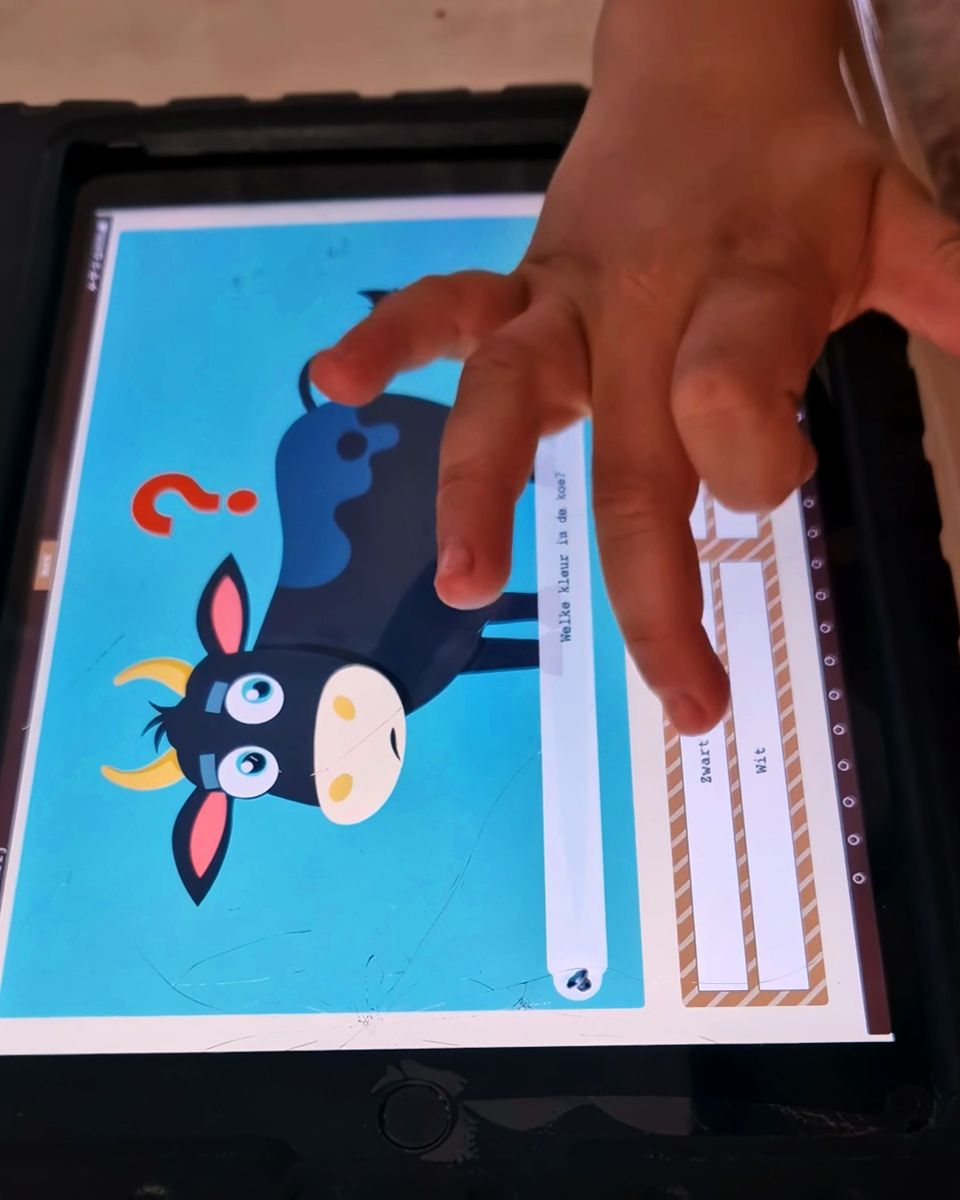
Child-facing practice is the one AI job that adds learning time instead of saving staff time: in SuperChild the learner practises the targets the BCBA assigns in short tablet blocks with an AI coach, and every trial is recorded for the BCBA.
A new tact or listener response can take hundreds of trials to master, and an RBT-run session only holds so many. Note AI makes the paperwork after that session shorter; it does not give the child one more trial. That gap is the job SuperChild does. The learner works on a tablet for 5 to 20 minutes with one instruction, a small field of choices and immediate feedback, on days with and without a session. For other ways to add practice, with or without software, read more practice without more RBT hours.
The BCBA picks the targets, sets the level and reads the data: accuracy, level and session length for every trial, with stuck and mastered targets flagged per learner. SuperChild does not diagnose, write programs or decide what to teach next. Off-tablet probes still go on paper, for example on our free ABA data sheets, and you check agreement with the IOA calculator. See how it works.
General AI assistants like ChatGPT: useful, with one hard rule
General assistants such as ChatGPT are useful for non-clinical writing (parent handouts, staff training questions, emails, plain-language summaries of published research), but client data only belongs in them when your plan comes with a signed BAA that covers that use.
OpenAI’s own help center (checked November 2026) lists which products are HIPAA-eligible: the API and specific ChatGPT plans for healthcare and sales-managed Enterprise or Edu accounts, each under a BAA. It says it does not offer a BAA for ChatGPT Business, and a personal Free or Plus account has none. Other assistants have their own terms, so check before anyone pastes in a session.
Removing the name is not enough. A date of birth, a school, a diagnosis and a description of a behavior can identify a child together. Keep a simple rule for staff: nothing from a client file goes into a general assistant unless the clinic has approved that tool and signed a BAA for it.
Used that way, a general assistant saves real time. Ask it to rewrite a parent letter at a sixth-grade reading level, draft ten practice questions for RBT training (then check them against the RBT practice test content outline), or explain a study you are reading. Check every fact it gives you against the source.
How to choose an AI tool for your ABA clinic: five questions
Ask every vendor five things: will you sign a BAA that covers this AI feature, where is the data processed and does an AI model provider see it, who reviews and signs what the AI produces, which hour of RBT or BCBA time does it save or add, and can we export our data if we leave.
A clinic owner can run this list in any demo. Put the answers in writing and file them with the BAA. If a vendor cannot answer the first two, stop there.
- HIPAA and a signed BAA
- The BAA should cover the AI feature itself, not only the core platform. Ask whether a third-party AI model provider processes the data and whether it is under a BAA too.
- Where the data lives
- Which cloud, which country, how long prompts and outputs are kept, and whether your data trains anyone’s model. For EU or UK learners, add GDPR, a data processing agreement and EU hosting.
- Who decides
- Every draft, suggested goal or flag should land with a named clinician who reviews it before it counts. Ask how the tool records that review.
- RBT and BCBA time
- Ask for minutes, not features: minutes saved per note, per claim, per report, or (for practice software) trials added per learner per week. Compare it with what you do today.
- Data export
- Notes, raw data and graphs in a format another system can read, at no extra cost, at the end of the contract.


What AI should not do in ABA
AI should not make clinical decisions: it should not choose targets, set mastery criteria, decide the function of a behavior, write a behavior plan that nobody reviews, or sign a note. Those stay with the BCBA, who is responsible for the services and the records under the BACB Ethics Code.
The pressure to let AI decide will grow, because it is fast and it sounds sure of itself. But a model has not seen the child, does not know the family and cannot weigh what matters in this child’s life. A suggested goal that is technically correct can still be the wrong goal.
Use AI where a mistake is cheap to catch: a draft you will read, a claim check before submission, a flag on a stalled target, a practice block on a target you chose. Keep it away from places where a mistake reaches the child or the family unread.
- Do not let AI choose or change targets without a BCBA’s decision.
- Do not sign a note, report or plan you have not read in full.
- Do not put client data in a tool without a BAA that covers it.
- Do not let AI replace supervision, rapport, or the RBT’s judgment in the session.
- Do not use AI output in a conversation with a family before you have checked it.
Sources
- CentralReach homepage (cari, ScheduleAI, NoteDraftAI, NoteGuardAI, ClaimCheckAI, ReportDraft AI)
- Rethink Behavioral Health homepage (Session Note AI, BillAI, HITRUST, BAAs)
- Motivity homepage (AI session notes)
- Raven Health homepage (One-Click Session Notes)
- ABA Matrix about and FAQ (STO Analytics Tool, HIPAA verification)
- VB-MAPP App homepage (AI-Powered Insights)
- VB-MAPP App, App Store (suggested IEP goals)
- Theralytics on Capterra
- Ensora ABA Suite
- OpenAI Help Center: HIPAA-eligible products and functionality
- BACB ethics codes